Use a parallelogram area calculator to check your math fast: base–height, sides–angle, diagonals–angle, and coordinate methods with clear worked examples in m² and ft².
Use this Parallelogram Area Calculator to quickly calculate the area using base and height. Enter your values, choose your unit, and get an instant result in square units. It works smoothly on desktop and mobile, whether you're solving homework or estimating materials.
How to Use the Parallelogram Area Calculator
Using the Parallelogram Area Calculator only takes a few seconds. You just need two measurements — the base and the vertical height — and the tool does the calculation instantly.
Step 1: Enter the Base Length
Type the length of the base of the parallelogram into the input field. The base is the bottom side of the shape. It can be in inches, feet, meters, centimeters, or any supported unit.
Step 2: Enter the Vertical Height
Next, enter the perpendicular height. This is the straight-line distance from the base to the opposite side, measured at a 90° angle. It is not the slanted side length.
Step 3: Select the Unit of Measurement
Choose the unit that matches your values. If you're working on a school assignment, you might use centimeters or meters. For home improvement or construction projects in the US, inches or feet are more common.
Step 4: Click “Calculate”
Press the calculate button. The Parallelogram Area Calculator instantly applies the formula A = b × h and displays the result in square units.
Step 5: View the Result
Your result appears immediately on the screen. The output shows the total area based on the values you entered, along with the correct squared unit (such as ft², m², or in²).
If you need to test different measurements, simply change the numbers and calculate again. The tool updates the result right away, making it quick and convenient for comparisons.
What This Parallelogram Area Calculator Can Calculate
This Parallelogram Area Calculator is designed to give you fast, accurate area results based on simple inputs. Whether you're working on math problems or measuring real surfaces, the tool handles the calculation instantly.
Here’s what it can do:
Calculate the area using base and vertical height
Instantly apply the formula A = b × h
Display results in square units (cm², m², in², ft², and more)
Support both metric and US customary measurements
Allow quick recalculation with different values
Because the area of a parallelogram depends only on the base and its perpendicular height, you don’t need the slanted side length or interior angles. As long as your height is measured vertically (at a 90° angle to the base), the calculator will return the correct surface area.
This makes it practical for:
Geometry assignments
Exam preparation
Estimining flooring or surface coverage
Planning small construction or DIY projects
Instead of manually multiplying values and double-checking units, the Parallelogram Area Calculator gives you a reliable result in seconds.
What the Result Means
When you use the Parallelogram Area Calculator, the number displayed is the total surface area inside the shape based on the base and vertical height you entered.
The result is always shown in square units. For example:
If you enter measurements in feet, the result appears in square feet (ft²).
If you enter values in meters, the output will be in square meters (m²).
The same applies to inches, centimeters, or any other supported unit.
This area represents the total flat space covered by the parallelogram. It does not measure the perimeter or the slanted side lengths — only the two-dimensional surface.
Formula Used in the Parallelogram Area Calculator
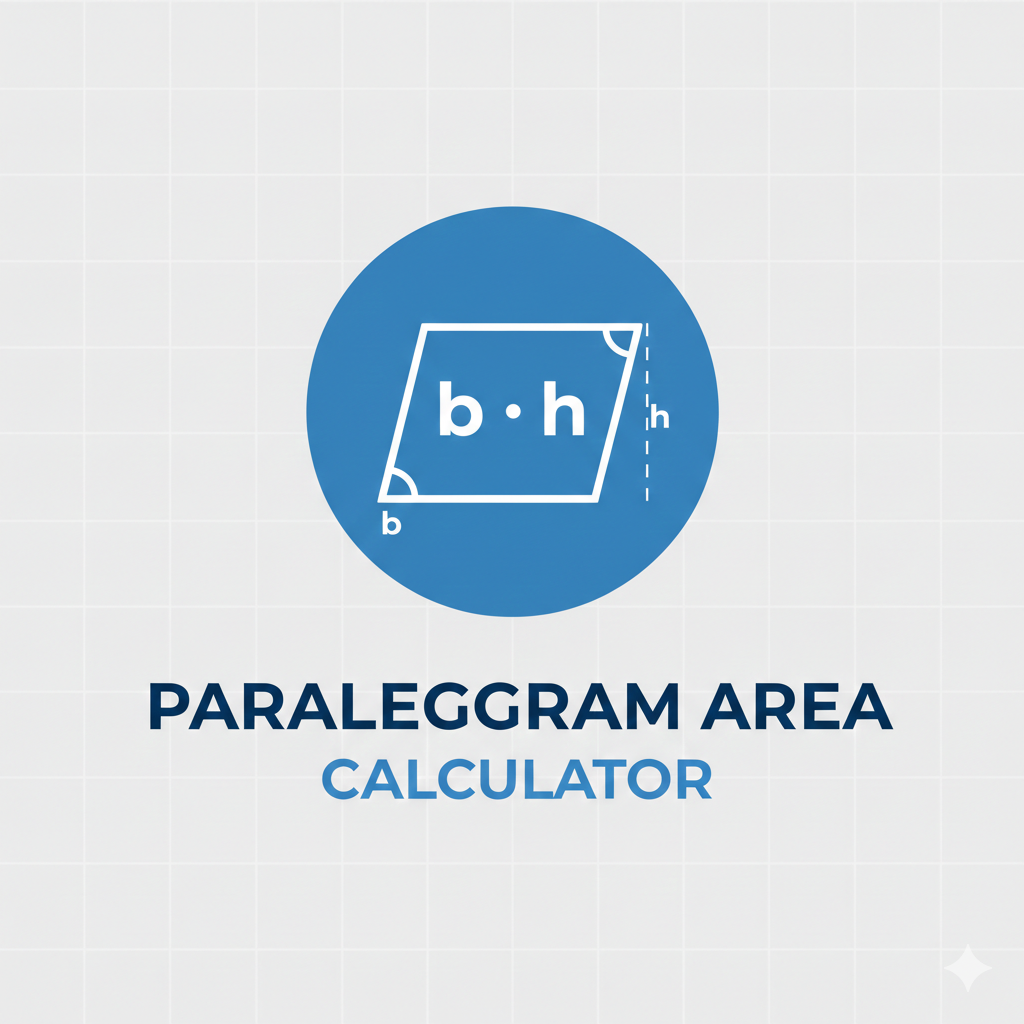
The classic parallelogram area formula is: A = b × h Here, A is the area of a parallelogram, b is the base (any side you choose), and h is the height (the perpendicular distance from that base to the opposite side).
A quick way to picture it: if you “slide” (shear) a rectangle sideways, you get a parallelogram. The slanted shape looks different, but as long as the base and perpendicular height stay the same, the area stays the same too.
How to use the formula:
Pick a side to be the base b (often the bottom edge in a sketch).
Measure the height h by dropping a straight, 90° line to the base.
Multiply: A = b × h.
🧠 Note: Height is not the slanted side unless it’s perfectly perpendicular to the base. Also, area should always end in square units like m² or ft² (not just m or ft)
Example – Verifying the Calculator Result
Let’s walk through a quick example to see how the calculation works and how you can confirm the result shown by the Parallelogram Area Calculator.
Example 1
Suppose the base of a parallelogram is 12 feet, and the vertical height is 5 feet.
Using the formula:
A = b × h A = 12 × 5 A = 60
The total area is 60 square feet (60 ft²).
If you enter the same values — 12 for the base and 5 for the height — into the Parallelogram Area Calculator above, you’ll instantly get the same result: 60 ft².
Example 2
Now let’s try metric units.
Base = 8 meters Height = 3 meters
A = 8 × 3 A = 24
The area is 24 square meters (24 m²).
Again, entering these numbers into the calculator will immediately display 24 m² without needing to manually multiply anything.
Quick checks before you trust the number
Before you lock in your parallelogram area, do a quick “sanity scan” — it catches most errors in seconds.
Height is perpendicular to the base: If your “height” is slanted along the side, it’s not a true height (and your area will be off).
Your angle matches your formula: For A = a × b × sin(θ), θ should be the included angle between the sides you used. For A = ½ × d₁ × d₂ × sin(φ), φ is the angle between diagonals.
Units should be squared: Lengths go in cm, m, in, ft — areas come out as cm², m², in², ft².
Round sensibly: If your measurements are rough (like from a tape measure), rounding the area to 1–2 decimals is usually plenty.
Area from diagonals and the angle between them
If you know both diagonals of a parallelogram (call them d₁ and d₂) and the angle where they cross (call it φ), you can find the area without needing the height.
The formula is: A = ½ × d₁ × d₂ × sin(φ)
Where:
d₁, d₂: the two diagonals (measure them in the same unit — inches, feet, cm, etc.)
φ: the angle between the diagonals, not the corner angle of the parallelogram
A: area (so you’ll end up with square units like in², ft², cm², m²)
If the diagonals meet at a right angle (φ = 90°), then sin(90°) = 1, so the formula becomes: A = ½ × d₁ × d₂
This comes up in some “nice” shapes (or when a drawing is made to be perpendicular).
Say d₁ = 10 cm, d₂ = 8 cm, and the diagonals cross atφ = 30°.
A = ½ × 10 × 8 × sin(30°)
Since sin(30°) = ½, you get:
A = ½ × 10 × 8 × ½ = 20 cm²
If either diagonal gets longer, area should generally increase too—so if your result shrinks after increasing d₁ or d₂, it’s a hint you may have used the wrong angle (corner angle instead of the diagonals angle), or mixed units (like cm and m).
Area from coordinates
If your parallelogram is drawn on a graph (or you’re given point coordinates), you can still find the area without measuring base and height. The nice part: this method works even when the shape is tilted.
Pick one corner as your starting point (call it P). From that point, build two vectors that go along the sides of the parallelogram:
u = (x₁, y₁)
v = (x₂, y₂)
Then the parallelogram’s area is: A = |x₁y₂ − y₁x₂|
That | | just means “take the absolute value” so area is always positive.
Quick example: Let u = (6, 2) and v = (1, 5).
A = |6×5 − 2×1|
A = |30 − 2|
A = 28
So the area is 28 square units (like 28 unit²).
Last words
Don’t waste time multiplying and rechecking numbers. Use the Parallelogram Area Calculator above, enter your measurements, and get your area instantly — accurate, simple, and ready to use.
FAQ
Is the area of a parallelogram the same as a rectangle?
It can be. If a parallelogram and a rectangle share the same base b and perpendicular height h, they’ll have the same area: A = b × h. The slant doesn’t change area—only the base and the straight-up height do.
Can I pick any side of a parallelogram as the base ?
Yes. Any side can be the base, as long as the height you use is measured perpendicular to that chosen base. Switch the base, and the height usually changes too—but the final area stays consistent if you measured correctly.
What’s the difference between side length and height?
Side length is the length of the slanted edge. Height is the shortest distance straight across to the opposite side (a right-angle drop). That’s why A = b × h uses height, not the slanted side—unless the shape is a rectangle.
How do I find the parallelogram area if I don’t have the height?
If you know two side lengths and the included angle between them, use: A = a × b × sin(θ). This is handy when you’re working from a drawing, a survey sketch, or a cut list where angles are given.
What if I only know the diagonals of a parallelogram?
You’ll usually need the diagonals and the angle where they cross: A = ½ × d₁ × d₂ × sin(φ). If the diagonals cross at 90°, it gets simpler: A = ½ × d₁ × d₂ because sin(90°) = 1.
Does the area change if I “tilt” the parallelogram?
Not if base and perpendicular height stay the same. Picture sliding the top edge sideways while keeping the bottom edge fixed—same b, same h, so the area stays A = b × h. The shape leans, but the “footprint” area doesn’t.
About us
We believe that understanding math shouldn’t be complicated. That’s why we created Parallelogramareacalculator.com—a simple, reliable tool designed to help students, teachers, and everyday learners calculate area quickly and confidently.
Our goal is to make mathematical concepts more approachable by combining accuracy with ease of use. Whether you’re checking homework, preparing for an exam, teaching geometry, or just refreshing your knowledge, our calculator delivers instant results without unnecessary steps.
At our core, we’re here to support learning—one calculation at a time.
Policy
Parallelogramareacalculator.com is provided for educational and informational purposes only. While we strive to ensure accurate and reliable results, the calculator should be used as a reference and not as a substitute for professional or academic judgment.
Data Collection and Privacy
This tool does not require user registration and does not collect, store, or share personally identifiable information. All values entered into the calculator are processed instantly and are not saved, logged, or reused in any way.
Non-Personal Usage Data
To improve performance, usability, and reliability, we may collect limited, non-personal technical data such as anonymous usage statistics or browser information. This data is used solely for internal analysis and is never shared with third parties for marketing purposes.
Responsible Use
By using this calculator, you agree to use it responsibly and understand that results are provided “as is.” We are not responsible for any errors, omissions, or outcomes that may arise from reliance on the calculations.
Updates and Improvements
We reserve the right to update, modify, or enhance this tool and its policies at any time to ensure accuracy, security, and an improved user experience.

.jpg)
.jpg)
.jpg)